Claude Code in the Terminal for Existing Projects
How to onboard Claude Code into an existing codebase.
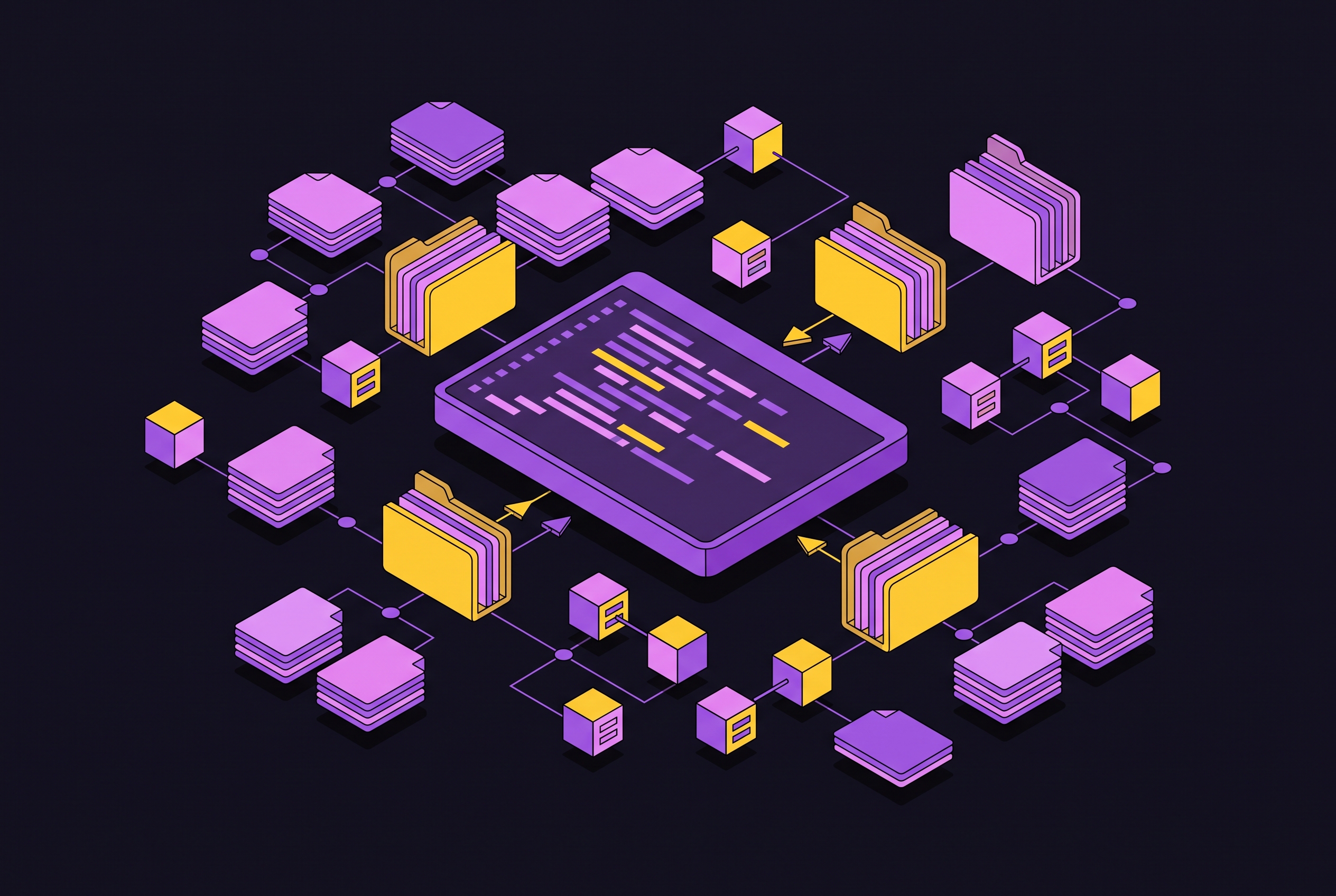
Bringing Claude Code into a codebase that already exists is a different job than starting one from scratch, and that difference affects how much onboarding work is required before delegation pays off. The tool itself is the same either way; what changes is how much work the onboarding takes before delegation actually pays off.
Claude Code's approach to the different challenge existing codebases present
Claude Code is Anthropic's agentic coding tool, and calling it a chatbot undersells it by a wide margin. It runs in the terminal, inside IDE extensions for VS Code, Cursor, Devin Desktop, and JetBrains, in a desktop app, and in the browser, all built around the same core engine. For JetBrains users specifically, running Claude Code in a terminal next to an IDE like PyCharm is the recommended, most flexible setup. That's the recommended configuration, and it's flexible in a way a single embedded panel isn't.
The operative distinction is what the tool actually does to your files. A tool like GitHub Copilot suggests the next line based on what's already been typed, staying inside the boundary of autocomplete. It plans a multi-file change, writes across those files, runs the test suite, and when something fails, it iterates rather than stopping and waiting to be told what to do next.
That capability is why greenfield and existing-codebase work feel so different in practice. Starting a new project means Claude begins from nothing: no legacy decisions, no folder conventions it has to reverse-engineer, no history to inherit. When the same tool is dropped into an existing project, the model arrives with no idea what the team means by "our auth middleware," why the folder structure is what it is, or that Redux was migrated away from six months ago with old patterns still scattered around. Left without that context, Claude writes code that compiles but doesn't fit: it might suggest patterns the team has moved away from, add abstractions that already exist elsewhere, or miss side effects that matter.
None of this is a small-stakes concern anymore. Claude Code has picked up 101,000 GitHub stars and 15,500 forks since general availability, a scale of adoption that puts these onboarding questions squarely in the category of things to get right, not edge cases.
The dual-pattern problem: why existing codebases confuse the model by default
Almost every codebase with any real age carries two generations of patterns at once: the way things used to be built, and the way the team builds now. Claude reads both, and without being told which one is current, it has no built-in way to tell them apart. If the older pattern appears more often across the repo, simply because it's had more time to accumulate, Claude may treat frequency as a signal of correctness and follow it.
A concrete version of this appears constantly in React codebases. A /components/ folder might have older components written as class-based React sitting right next to newer ones written as function components with hooks, and Claude has no way to know on its own which one is legacy and which one is the standard going forward. The fix is blunt and it works: tell Claude directly. Something like, "We're in the /components/ folder. Older components use class-based React, newer ones use function components with hooks. We only write function components. When you see a class component, treat it as legacy, don't follow its patterns."
That sentence solves the problem for exactly one session. Type it into a fresh conversation tomorrow and Claude has forgotten it entirely, which is the whole reason project instruction files exist in the first place.
CLAUDE.md: the primary mechanism for telling Claude what your codebase is
CLAUDE.md is the file Claude Code reads automatically at the start of every session, and it's where the stack, the conventions, the off-limits files, the architecture notes, the commands, and the review requirements all live. Once it's written, nobody has to re-explain the project from scratch every time a session starts.
Getting one started doesn't take much. Running /init reads through the project structure and produces a starter CLAUDE.md, and if the repo already has an AGENTS.md or a .cursorrules file, /init pulls from those too. What /init hands back is a foundation, not a finished document. It's generic enough to get a session running, not specific enough to actually prevent the dual-pattern problem on its own.
The parts that make a real difference get added by hand afterward: which patterns are canonical and which are legacy, which files or modules are off-limits, the architecture decisions that don't explain themselves just by reading the code, and whatever testing or review requirements the team actually enforces. Once the file is in decent shape, it belongs in version control, the same as any other project file, so a distributed team running a mix of Windows and Mac machines all pull the identical configuration without anyone doing manual setup per machine.
Larger repos need more than a single file at the root. Once a codebase reaches monorepo scale, a single root-level CLAUDE.md is no longer enough on its own, because larger repos need a root file for global conventions, paired with directory-scoped files and entries under .claude/rules/ for known traps at the module level. A path-scoped rule like "this module uses a deprecated pattern, migrate via X" loads exactly when Claude touches that path, not globally.
There's a second layer separate from CLAUDE.md itself. Claude keeps its own running record of build quirks and debugging discoveries in a per-repo MEMORY.md, and running /memory shows what's accumulated there. On a codebase that's been worked on for a year or more, that file starts to function as real institutional knowledge, the kind that would otherwise live only in one engineer's head.
Key slash commands for existing-project workflows
/init is the entry point for any of this, the command that turns an unfamiliar repo into something Claude has at least a starting map of. /memory is the audit tool, worth running before handing Claude a large task, just to see what it's already picked up about the repo and whether any of it is wrong.
/team-onboarding, also from April 2026 (v2.1.101), generates a ramp-up guide for a new teammate based on Claude's own accumulated usage on the project. It's a genuinely useful reversal of the usual direction: instead of a human teaching Claude the codebase, Claude teaches the human, drawing on everything it's already learned.
One infrastructure change affects anyone running Claude Code across a mixed fleet of machines. As of April 2026, the claude CLI spawns a native binary specific to each platform instead of a bundled JavaScript runtime, which matters directly for teams setting this up on existing CI machines or environments that mix operating systems. /ultrareview delivers comprehensive code review using parallel multi-agent analysis and an adversarial critique pass, shipped in April 2026 (Week 16), and it is particularly valuable before merging changes into an unfamiliar or sensitive part of an existing codebase. /goal, introduced in v2.1.139, lets Claude Code run until a condition is met and is used for setting success criteria and verification steps for autonomous workflows on existing projects.
Workflow patterns for delegating tasks safely in an existing codebase
The single habit that prevents the most damage is simple to state and easy to skip under time pressure: tell Claude to read a function's callers and its exports before changing anything about it. It draws a hard line against a prompt like "refactor the auth module," which is too broad and gives too much surface area.
Specificity in the prompt itself does more for output quality than almost anything else on this list. "Fix the bug" gives Claude a symptom and nothing else to work from. "Fix the login bug where users see a blank screen after entering wrong credentials" gives it an actual reproduction path, so Claude diagnoses the bug instead of guessing at it.
For anything resembling a migration across many files, the move is to break it down and test small before going wide. Generate the task list, trial it against a handful of files, check what came back, adjust the prompt, then scale up. The reason this step earns its place: a prompt that handles two files fine and breaks on the third has just revealed an edge case that would otherwise have shown up scattered across hundreds of files, at a much higher cost to fix.
Session A works in the main directory while Session B works in the worktree, providing bias isolation between parallel Claude instances. That setup is particularly useful for reviewing a feature branch while development on main keeps moving. An example command pattern is: head -3 tasks.txt | while read file; do claude -p "Convert this file to Python 3.11" "$file"; done.
Permissions and security: what Claude Code can and cannot touch
Claude Code's permission model runs on three tiers https://www.lowcode.agency/blog/what-is-claude-code. The allow list holds pre-approved commands Claude runs without asking, and it should be the first line of defense on any project. Above that sits an ask list, for commands that are sometimes what's needed and sometimes not, things like git push:* or docker run:*, where a second look before execution is worth the friction. At the top is the deny list, the hard boundary: entries like WebFetch, Bash(curl:*), or Read(./secrets/**) mean that if Claude tries to reach past that line, the command simply doesn't run. Deny rules sit on top of the allow list, not as a replacement for it.
Sensitive files deserve the deny-list treatment specifically, rather than being blocked through a hook. Setting a file to deny makes it invisible to Claude entirely, which is a stronger guarantee than blocking access after the fact, since there's no path around a file Claude can't see in the first place.
Never extend Claude's reach into directories outside the project root, because that boundary erodes quietly over time. One security guide puts it about as directly as it can be put: doing that is handing over the keys to the house, not just the project.
Git-specific hardening follows the same logic. Safe, read-oriented commands like git status, git diff, git log, along with git add, git commit, git checkout, and git branch, get pre-approved. Destructive operations like git push --force and git reset --hard get denied. Left to its own defaults, Claude tends toward the cautious choice anyway: creating new commits rather than amending old ones, staging specific files instead of reaching for git add -A, and never skipping hooks or force-pushing without being explicitly told to. CI/CD files and deployment manifests deserve the same treatment as secrets: block edits to .github/workflows, deployment manifests, lockfiles, policy files, and Claude's own control-plane files unless a human signs off first.
Hooks: automating guardrails and session hygiene at lifecycle events
Hooks fire at specific points in a Claude Code session, tied to lifecycle events like a tool being invoked or a session ending, and hooks are code, with their own permissions and their own ways of failing.
A few patterns occur often enough to be worth adopting directly. A Stop hook that runs at the end of a session can auto-commit whatever work is in progress, something like git add -A && git commit -m 'WIP: Claude session' --no-verify, so nothing gets lost if a session ends unexpectedly. A PreToolUse hook can back up a file before Claude edits it, with a one-line cp $CLAUDE_FILE_PATH $CLAUDE_FILE_PATH.bak, which gives a one-step way to roll back any single file Claude touches. Another PreToolUse hook can act as a safety check, returning a non-zero exit code and a clear message back to Claude to block a dangerous command outright, the kind of thing that stops an rm -rf or an edit to a sensitive file before it happens.
Knowing which mechanism to reach for matters as much as knowing the mechanisms exist. Anthropic's own guidance from July 2026 lays out the split cleanly: something that must always be enforced belongs in hooks or permissions; contextual knowledge belongs in Skills; a delegation boundary belongs in subagents; and anything that counts as always-on project guidance belongs, kept short, in CLAUDE.md.
One caution outweighs the rest here. A bad PreToolUse hook can lock a user out of using Claude entirely, so hooks should always be tested on a throwaway repo before being added to a main project.
Claude Code Projects and persistent session management for ongoing work
Before any of this existed, keeping a long-running task moving across sessions meant maintaining some external record of status by hand, or asking Claude to dig through a compacted summary of the last conversation just to figure out where things had been left off. Previously, each new session required manually maintaining an external record of project status, or having Claude look up a compacted version of the last conversation to reconstruct where it left off (a real burden on long-running development work).
Claude Code Projects, in beta as of September 17, 2026, changes that structure directly. The description of what to get done goes in once; Claude scopes the request, splits it into threads, coordinates the parallel work across them, reviews what comes back, and assembles the final result. Progress can be steered from anywhere, including from a phone, and the work keeps running after a person steps away from it entirely.
Most existing codebases contain two generations of patterns: how things were done and how things are done now. Set a goal to bring down checkout p75 latency, and Claude profiles each endpoint, tests optimizations against them, and opens pull requests across parallel threads as it finds wins. Connect a set of API, web, and mobile repos with a goal of retiring a deprecated v1 endpoint, and Claude spins up one thread per repo, migrates the callers in each, runs the tests, opens the PRs, and reports back on which ones need to merge first and in what order.
Each thread is usually a full Claude Code cloud session on its own, with the coordinator keeping the overall work organized; overlapping edits resolve as merge conflicts like any normal PR. A shared memory that every thread reads from and writes to produces this coordination: Claude can recall that the release got pushed to Friday, why a particular export got dropped, or who on the team needs to be looped in before anyone touches the billing service.
As of September 17, 2026, access is in beta, open to select Claude Pro and Max subscribers using cloud sessions in Claude Code who don't already have Projects through the web or desktop apps, with access expanding to more users from there.
Sources
- Anthropic launches Claude Code Projects, an ‘always-on’ conversation that remembers and delegates your long-running dev work | VentureBeat
Provided details on Claude Code Projects entering beta, including its structure of splitting work into threads, parallel coordination, and the September 17, 2026 launch date.
- What Is Claude Code? Complete Guide 2026 | LOW/CODE
Provided the description of Claude Code's three-tier permission model covering allow lists, ask lists, and deny lists.
- Bringing Claude Code Into an Existing Codebase (2026) - DEV Community
Provided workflow guidance on bringing Claude Code into existing codebases, including the dual-pattern problem and prompting strategies.
- How Claude Code works in large codebases: Best practices and where to start | Claude by Anthropic
Provided best practices for using Claude Code in large codebases, including reading callers before modifying functions and breaking migrations into small batches.
- Claude Code on an Existing Large Codebase | LOW/CODE
Provided guidance on configuring Claude Code for existing large codebases, including directory-scoped CLAUDE.md files and permission hardening.
- Claude Code Parallel Sessions: How to Work on Multiple Projects Simultaneously | MindStudio
Provided the parallel session workflow pattern with worktrees and the example command pattern for batching file conversions.
- How to Write a Good CLAUDE.md File
Provided guidance on writing effective CLAUDE.md files, including what to include by hand after /init generates a starter file.
- Using CLAUDE.MD files: Customizing Claude Code for your codebase | Claude by Anthropic
Provided the official description of CLAUDE.md, its automatic loading at session start, and how it handles monorepo-scale configurations.